 DugOut
Run game day from one tablet.
DugOut is a field board, batting order and pitch counter for baseball coaches. It works offline at the ground, and your players' details never leave your device.
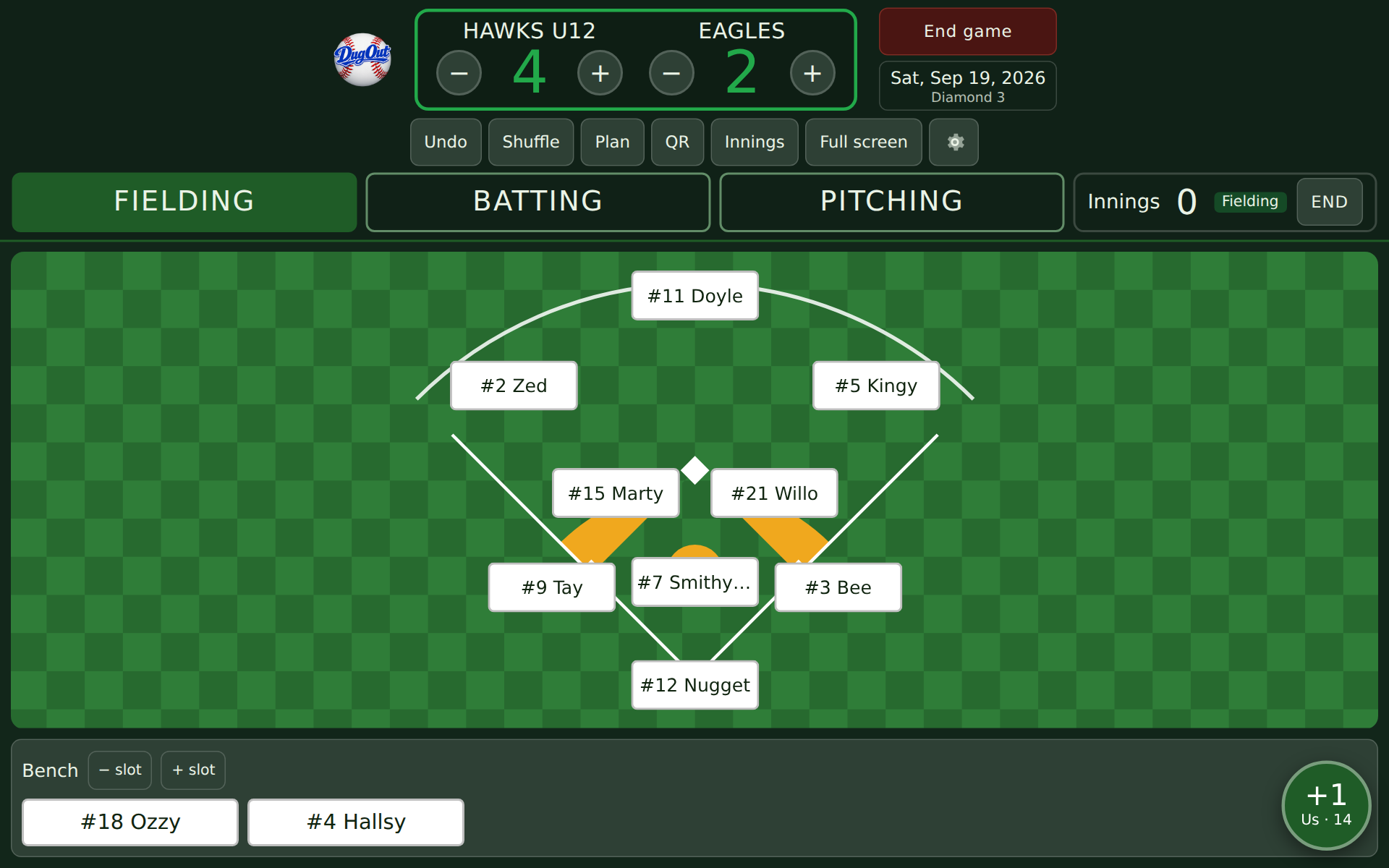
Everything the dugout clipboard did, and the bits it couldn't
Built by a baseball coach for the jobs that happen between pitches.
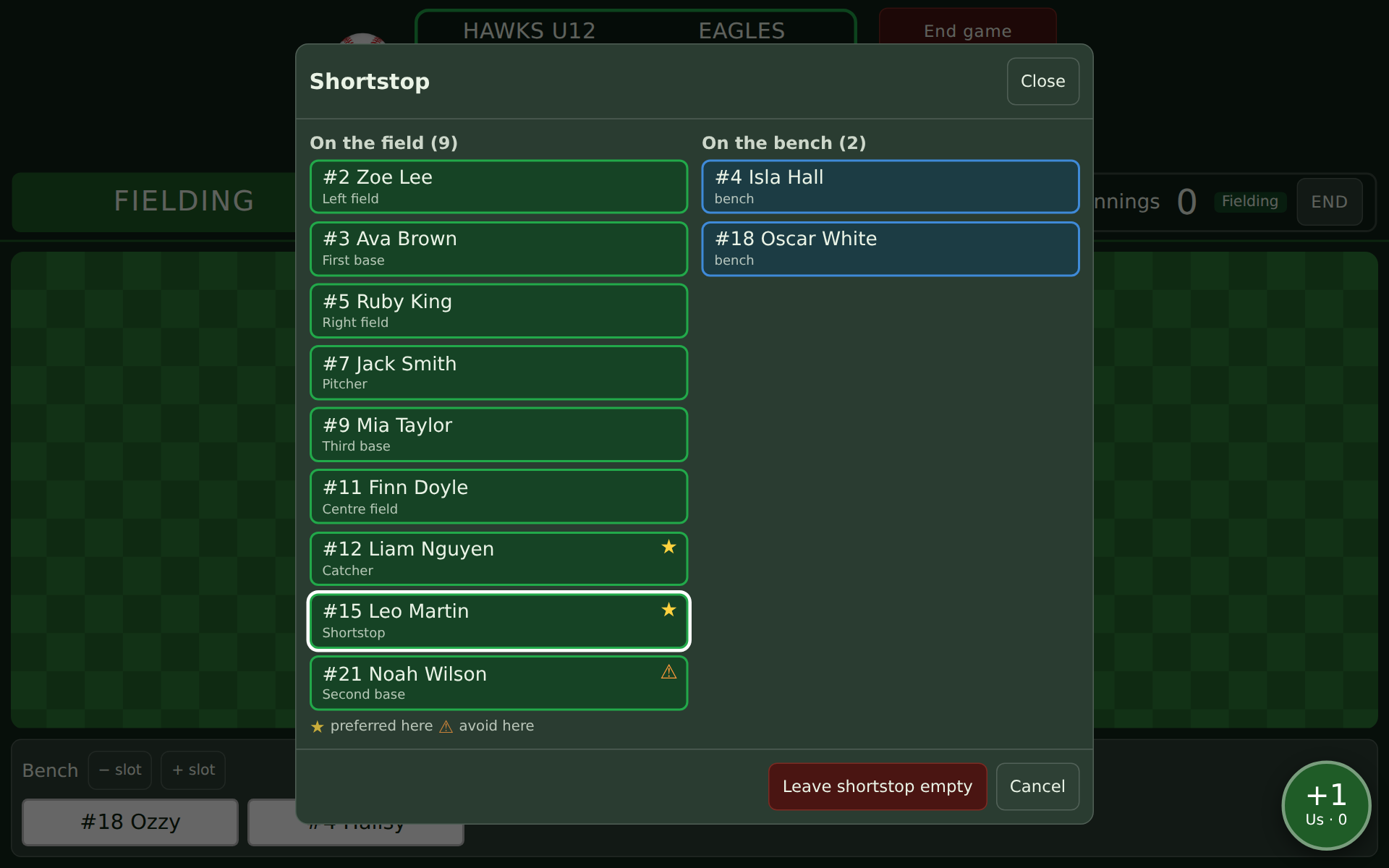
Field board
Tap a position to put a player there. The list shows who's on the field and who's on the bench, with stars for the positions each player prefers. Sub, shuffle, and record each innings with one button.
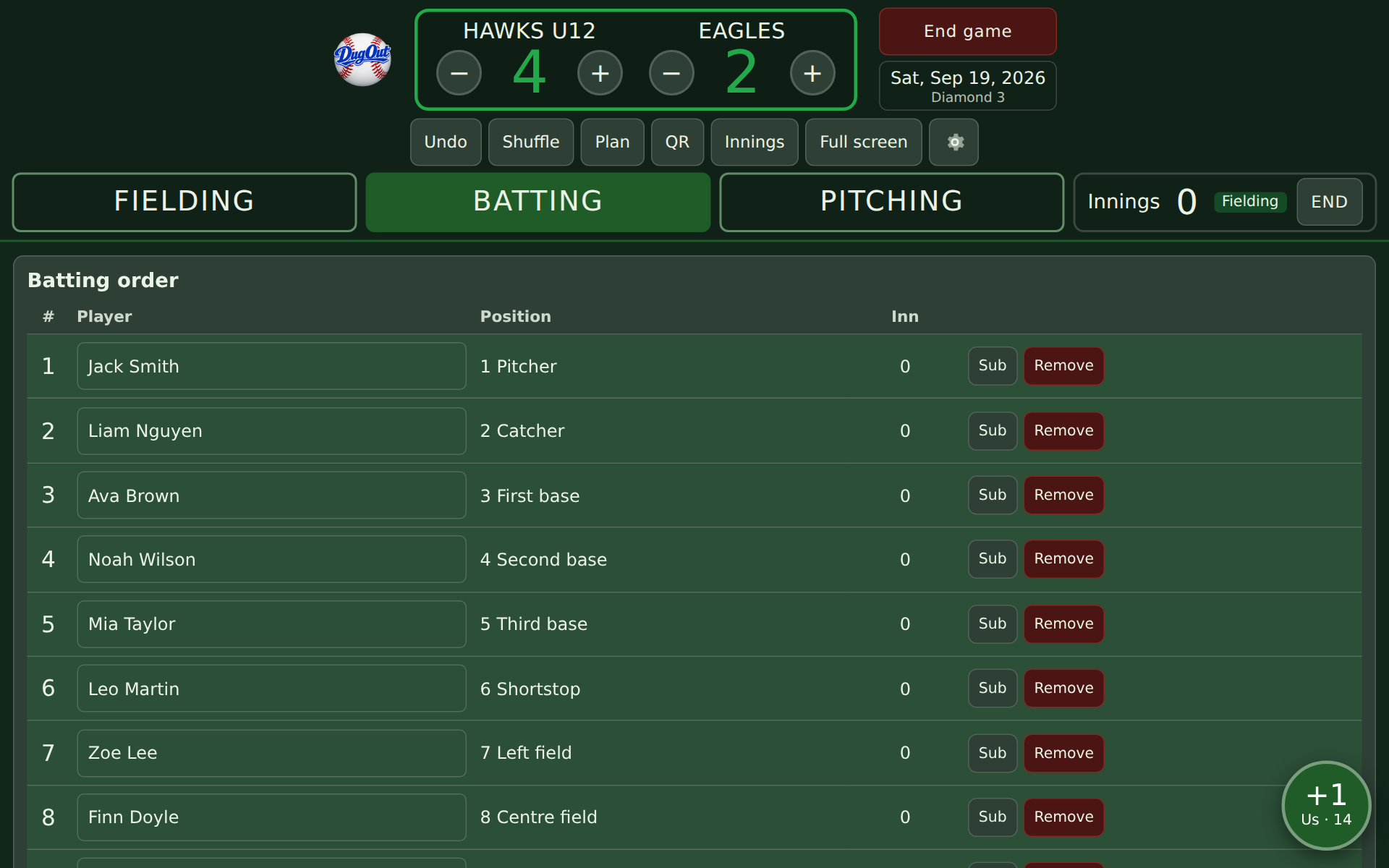
Batting order
Hold and drag to set the order. Juniors mode bats everyone. Seniors mode handles the top nine, the designated hitter and subs, and marks anyone who's already come off.
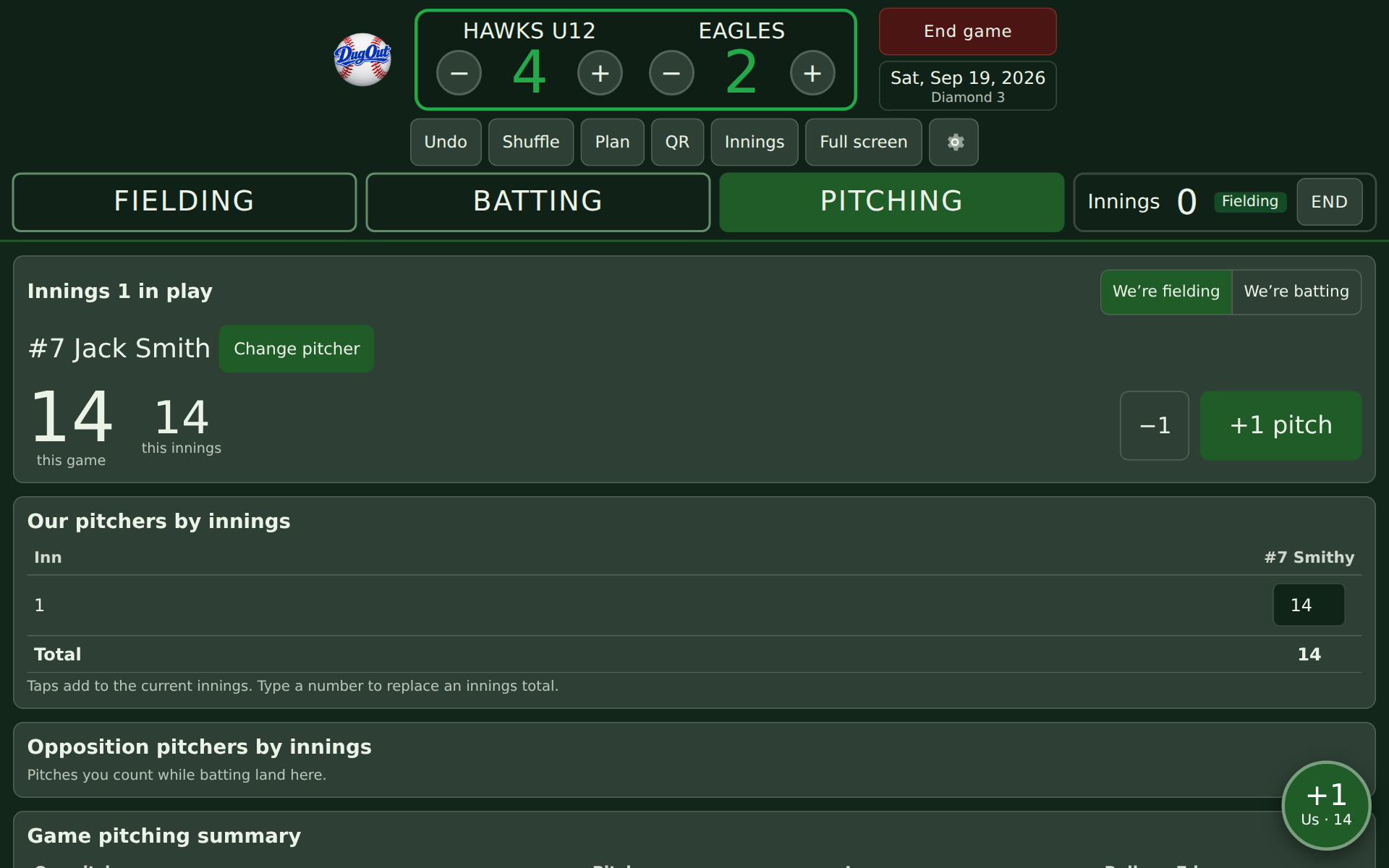
Pitch counts
Tap +1 from any screen, for your pitcher or theirs. Enter your league's rules and DugOut shows the rest each pitcher needs and when they can throw again.
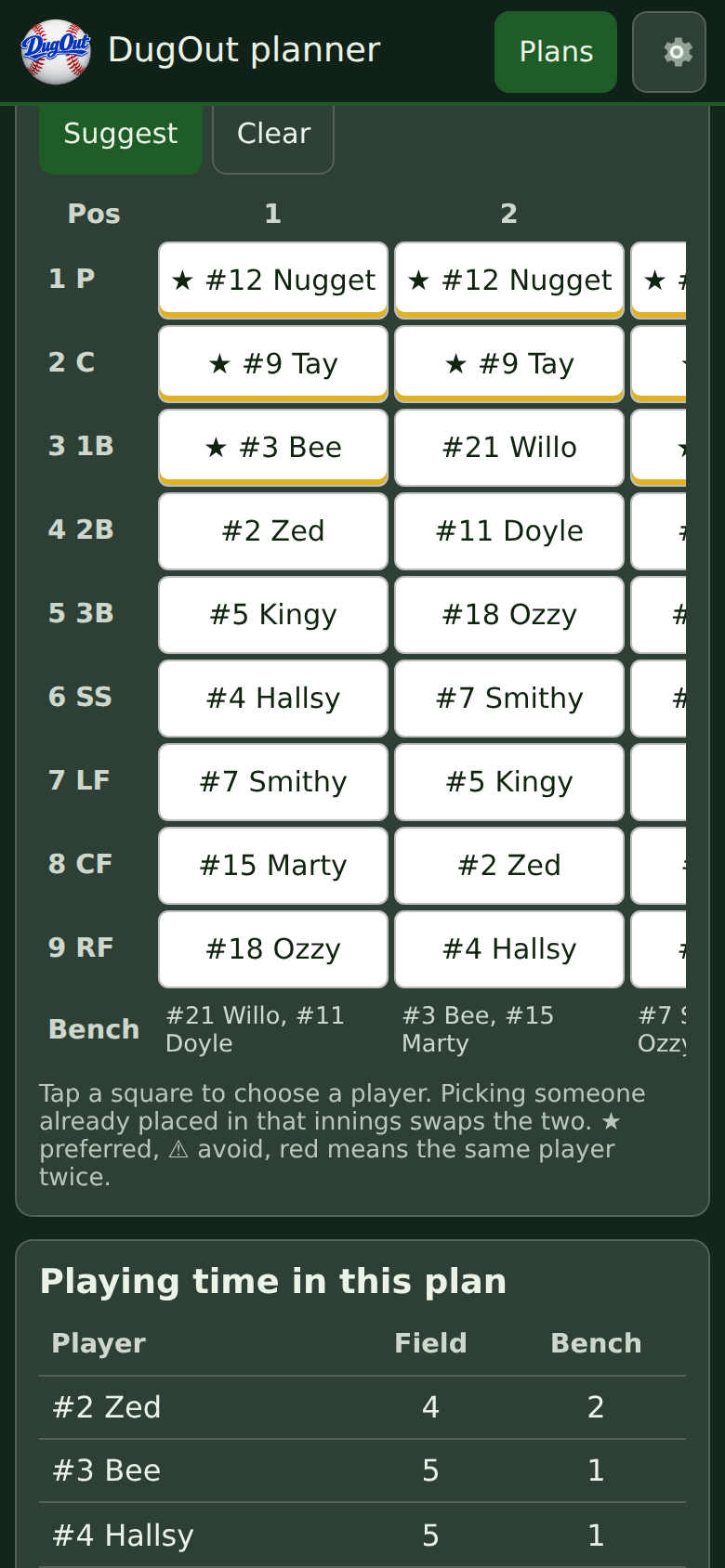
Plan on your phone
Build an innings-by-innings rotation the night before. DugOut can suggest one from your players' position ratings and share bench time fairly. Send it to the tablet by QR code or file, and each innings loads onto the board as the game goes.
Also in DugOut
- Playing-time report for the season, when you want it
- Best-player votes with a PIN for each coach
- Batting and pitching stats after each game
- Opposition and bullpen pitch counts
- Your own team colours
- Backup and restore to move to a new tablet
Your players stay on your tablet
No accounts, no ads and no tracking. Everything you enter is stored on the device you enter it on, and nowhere else.
When you share a roster or a plan, it goes from your device to the other one, by the route you choose. Read the privacy policy.
Get started in three steps
No sign-up and nothing to download from an app store.
-
Open DugOut on your tablet
Go to dugoutapp.online/app and add it to your home screen. After the first visit it works without internet.
-
Add your team
In Settings, add your players with their numbers and, if you like, the positions they prefer.
-
Start a game
Tick who's here, put your nine on the field and play ball.